 Dev Art Studios
TL;DR
- A template packages structural decisions about layout, hierarchy, spacing, and mobile behavior made for a broad market, not for a specific business.
- A purpose-built site is the defensible choice when those inherited decisions conflict with the business’s content model, navigation complexity, or brand requirements.
- A well-configured template is the right answer when the content fits the theme’s structural assumptions and the brand can operate within its inherited system.
- Accessibility and performance depend entirely on implementation quality, not on the template-versus-custom label.
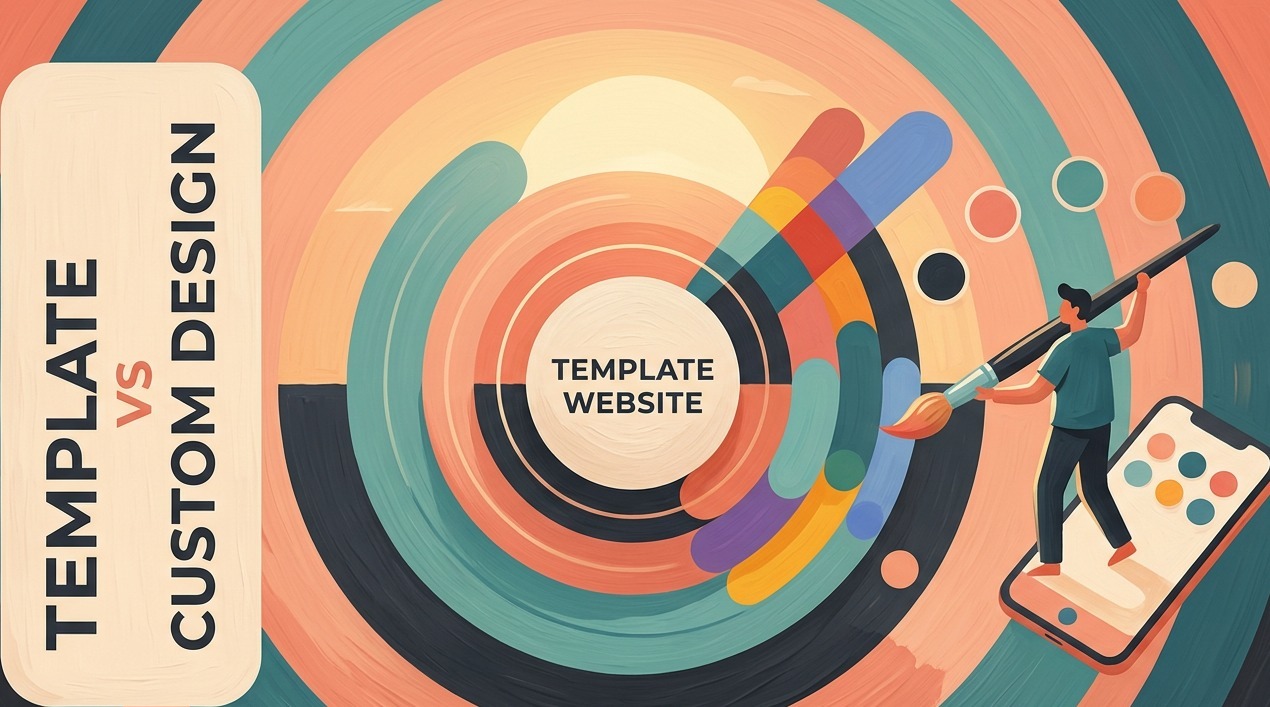
A template is the right choice when the content model is simple and the brand can function within inherited layout logic. Custom website design is the right choice when a structured audit shows the template’s architecture conflicts with navigation complexity, content types, or brand requirements. That distinction is structural, not cosmetic. A template packages decisions about page hierarchy, section order, navigation structure, spacing, and responsive behavior, made for a large and varied market. When those decisions fit the business, a template is a defensible tool. When they conflict with how the content actually works, no amount of restyling repairs the underlying structure.
What does a template decide for your business before you edit it?
A template’s most consequential decisions are set before any editing begins: navigation structure, section order, mobile layout, and the spacing logic of every page. These are architectural choices, not stylistic ones. Changing colors or swapping fonts does not alter them. Most template marketplaces categorize by industry type, so a service business, a portfolio studio, and a consulting firm may share one theme. A design built to satisfy three business types is optimized for none of them.
Your competitors bought the same template.
The inheritance goes further. A theme’s heading hierarchy, sidebar configuration, widget areas, and page-builder integration are established before the business owner opens the customizer. The WordPress theme documentation explains that theme architecture governs templates, styles, functions, and reusable components as one integrated system. Visual overrides don’t change that system.
When is a template the sensible redesign choice?
A template is the sensible choice when the content model is genuinely simple: a standard page set (home, services, about, contact), navigation that requires no unusual filtering or multi-step tools, and a brand that can work within inherited spacing and typographic systems. Service businesses with predictable content and no complex intake workflow often find that a well-chosen template covers their structural needs. Fighting a structure that already fits the business adds complexity without adding value.
Fit it, or fight it forever.
The common failure mode is confusing visual appeal with structural fit. A demo looks polished because it was built around content that fits its assumptions exactly. The business’s actual content, with real word counts, real image ratios, and real navigation depth, will behave differently inside the same structure. Testing the template with actual content before committing surfaces those conflicts before they’re locked in.
Well… design tip: Build one real page inside the template using the business’s actual copy and images before purchasing. Structural fit problems appear within the first hour; a demo never reveals them.
What does custom website design actually change?
Custom website design builds a site’s architecture, navigation, and content templates from one business’s specific requirements rather than inheriting them from a general-purpose theme. Page templates reflect real content types: a comparison layout for a service firm, or a multi-step intake flow that qualifies inquiries before a consultation. According to MDN’s responsive design documentation, layouts must adapt to different screen sizes and device capabilities; a custom build defines what that means for the specific audience rather than inheriting a generic preset.
Structure changes. Not a coat of paint.
A heavily modified theme is not the same as custom website design. When a developer layers page-builder overrides and custom CSS on top of a theme, the underlying architecture, including its update dependencies and structural constraints, remains in place. Overriding the surface while keeping the architecture is a modification. It’s not a structural redesign.
How should custom website design handle accessibility and performance?
Neither a template nor a custom website design carries a default pass on accessibility or performance. WCAG 2.2, published by the W3C, organizes requirements around perceivable, operable, understandable, and robust criteria: keyboard navigation, visible focus indicators, sufficient color contrast, clear heading hierarchy, and labeled form fields. A template can satisfy all of those criteria if implemented and tested carefully; a custom build can fail them just as completely if the developer treats accessibility as optional.
The label does not pass the test.
Performance works the same way. Google’s Core Web Vitals define measurable targets: LCP within 2.5 seconds, INP below 200 milliseconds, and CLS below 0.1. Those scores come from the actual implementation: images loaded, scripts run, fonts served, and hosting configuration. A template with one poorly configured plugin can score worse than a disciplined custom build; a custom build loaded with redundant tracking scripts can score just as badly. Google’s page experience guidance measures these signals against the live site, not the design method.
Well… design tip: Run Core Web Vitals on any template demo before purchasing, then compare the result against the current site. The gap shows whether the problem is your content or the template’s own scripts.
What should you audit before choosing between a template and custom website design?
Before choosing, audit seven areas of actual requirements: non-negotiable content types (booking flows, product catalogs, multi-step intake forms, comparison tools), navigation depth, mobile priorities, third-party integrations, accessibility obligations, editor workflow, and brand requirements that restyling cannot meet. That inventory drives the decision. It also flags where structural layout must express information hierarchy rather than apply visual style over an inherited skeleton.
Audit the site, not the screenshots.
| Dimension | Template | Custom Website Design |
|---|---|---|
| Structural flexibility | Limited to the theme’s sections and preset layouts | Built around the actual content model and navigation hierarchy |
| Brand differentiation | Constrained by inherited spacing, typography, and section logic | Full control over visual language and page architecture |
| Accessibility | Depends on theme quality and deliberate testing | Depends on developer practice and deliberate testing |
| Performance | Varies; theme scripts and stylesheets add overhead | Varies; lean builds are possible but not automatic |
| Maintenance | Tied to theme update cycle; heavy customization risks breaking on updates | Requires documentation; risk increases without managed dependencies |
| Best suited when | Content fits standard page sets; brand can work within an inherited system | Template structure conflicts with content model, workflow, or brand needs |
The Verdict
A template is the practical choice when content structure is simple, navigation requirements are standard, and the brand can function within inherited layout logic. Constraint: this holds only when the template’s structural assumptions match the actual content model. When they diverge, the template produces friction that no restyling will resolve.
Custom website design is the defensible choice when the template’s structural decisions conflict with navigation complexity, content types, accessibility obligations, or a brand position that requires differentiation at the architectural level. Constraint: the justification is a documented structural mismatch, not a preference for originality. A custom build that replicates a simple content model without adding structural clarity is a more expensive version of the same outcome, not a better product.
Neither option passes accessibility or performance standards by default. Both require deliberate implementation and ongoing maintenance decisions.
Key Takeaways
- A heavily modified theme retains the underlying theme architecture and its update dependencies; it is not the structural equivalent of a custom build in flexibility or long-term maintainability.
- WCAG 2.2 accessibility criteria apply equally to template and custom implementations; a theme that ships with contrast failures or missing focus states is not a compliant starting point regardless of how it is styled.
- Core Web Vitals scores reflect actual implementation decisions (images, scripts, fonts, hosting); a poor score on either approach is an implementation problem, not evidence that the wrong build method was chosen.
- Template maintenance carries a specific long-term risk that custom builds typically do not: theme discontinuation removes the supported structural base and leaves all customization without an update path.
- The decision should come after a structured audit of content types, navigation depth, integrations, and brand constraints, not after comparing demo screenshots.
The choice between a template and custom website design is an audit problem, not a prestige question. A template that fits the actual content model is a sound foundation. A custom build that resolves a documented structural conflict is the sounder choice where that conflict exists. The difference is visible in real requirements, not in a side-by-side browser comparison.
Frequently Asked Questions
Is a template website good enough for a small business?
Yes, when page structure is standard, navigation is uncomplicated, and the brand can function within the theme’s inherited layout system. Structural fit is the deciding condition, not business size or category. A template that conflicts with the actual content model creates friction that restyling will not resolve.
What is the biggest limitation of a website template?
The structural decisions shipped with the template (section order, navigation depth, mobile layout, content density) were made for a generalized market. Changing colors and fonts does not alter those decisions. A business whose content model conflicts with the template’s assumptions will work around inherited constraints indefinitely.
When should a small business choose custom website design?
When a structured audit shows the template’s architecture conflicts with the business’s navigation complexity, content types, accessibility requirements, or brand hierarchy. The deciding factor is a documented structural mismatch, not a preference for visual distinction or a desire to stand apart from competitors.
Can a template website meet accessibility and performance requirements?
Yes, when implemented and tested against WCAG 2.2 criteria and when asset management, hosting, and scripting choices meet Google’s Core Web Vitals targets (LCP within 2.5 seconds, INP below 200 milliseconds, CLS below 0.1). A template does not inherit compliance; it requires the same deliberate testing and maintenance as a custom build.
What should be audited before deciding between a template and custom redesign?
Non-negotiable content types, navigation depth, mobile use priorities, third-party integrations, accessibility obligations, editor workflow needs, and brand requirements that restyling cannot meet. That inventory of structural constraints drives the decision; comparing demos does not.
This article is general guidance and is not a prediction of results for your site or market. Tools, plugins and platform behaviour change over time, so confirm details against the current documentation.